
Overview
Deleting CQ records is a controlled action that allows authorized users to permanently remove records from the system when they are no longer needed or were created in error. This functionality helps maintain data accuracy and system integrity while ensuring compliance with organizational policies and regulatory requirements.
Because deletion is irreversible, it should be performed with caution and only by users with the appropriate permissions.
Prerequisites
Available in: All Records
Installed Package: All - Winter 2025
User Profile: Administrator
Permissions: CQ Admin PS and CQ Admin Extended PS
Related Objects: Parent Record to be Deleted cannot contain Related Objects
Instructions
-
From the CQ record, select Delete from the Action menu.

-
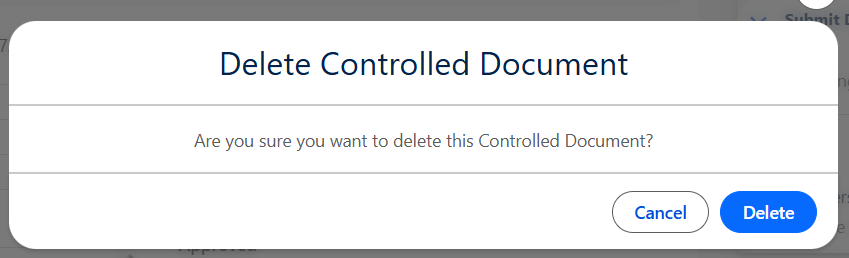
Click the Delete button from the Deletion confirmation window.
Results
-
The Record has been permanently removed from the system.
-
To avoid skipped numbers in your record lists, some Record Numbers can be reused. See your CQ Administrator to reset appropriate Auto Numbers if needed.
Troubleshooting
-
Check back for new articles
Additional Resources
CQ Resources
-
Viewing Field Audit Trail Reports
Salesforce Resources
Summer 2026