
Linking Related Supplier Deviations
-
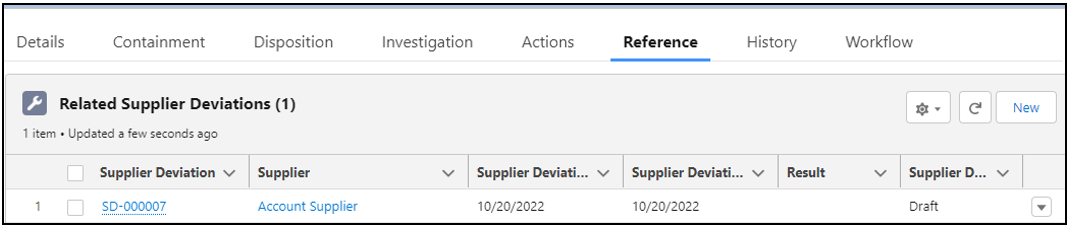
From the Nonconformance record, Reference tab, Related Supplier Deviations section, click the New button.
-
Search for and select the Supplier Deviation.
-
Nonconformance defaults to open record number; leave as is.
-
Optionally, enter a Comment.
-
Click the Save button or Save & New for additional Related Supplier Deviations. See the CQ End User Guide - Supplier Deviations for information.
-
From the NC record, Reference tab, Related Supplier Deviations section, click the New button.