
Linking Controlled Document References
-
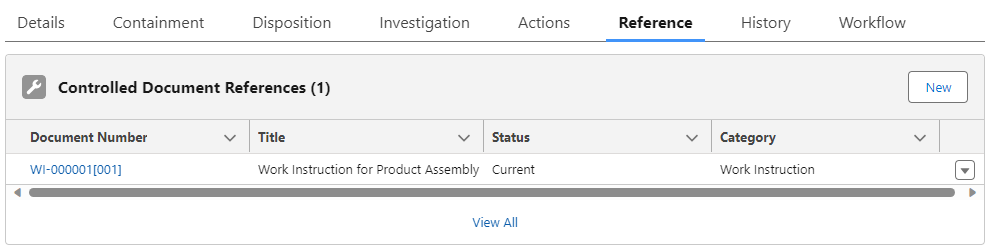
From the Nonconformance record, Reference tab, Controlled Document References section, click the New button.
-
Search for and select the Document Number .
-
Click the Save button or Save & New for additional Controlled Documents. See CQ End User Guides - Document Management for more information.