
Purpose
Prerequisites
Installation Package: CQ Core
User Profile: Standard User
Product: QualityQuest
Function: Immediate Change
Permissions: CQ Base User PSG and CQ Change Order Owner PSG
Record Status: Open
Steps
Example
Expected Outcome
-
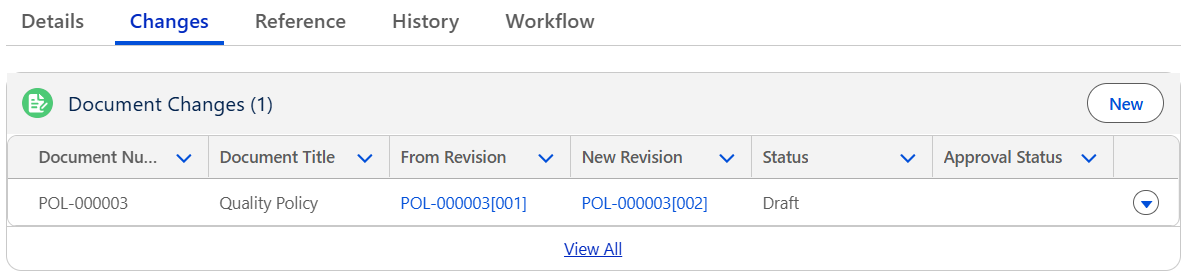
The Document Changes are now added to the Immediate Change record and will now be approved via the Immediate Change once Complete.
-
All Document Changes tasks appear in the Document Changes section.
-
The Document Changes display in Draft status.
Troubleshooting
-
Check back for new articles
Additional Resources
ComplianceQuest
We Value Your Feedback
To provide feedback or suggestions to improve the help content on this page click here.