
Purpose
As a Document Owner, view Document File Details to see key document information, including file name, version, and status.
Prerequisites
Installation Package: CQ Core
Product: QualityQuest
Function: Controlled Documents, Template Documents
User Profile: Standard User
Permissions: CQ Base User PSG, CQ Document Owner PSG
Record Status: Draft
Steps
-
Open the Controlled Document record.
-
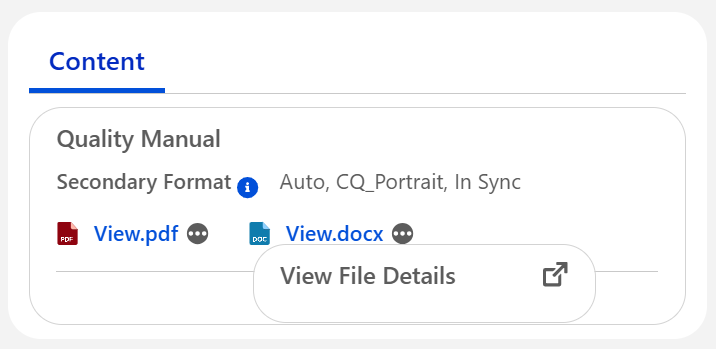
Click … for the Primary or Secondary file in the Content section.
-
Click View File Details.
Example
Expected Outcome
-
The File Details window opens.
-
These details are displayed:
-
File Engagement metrics for Views and Download Count
-
Controlled Document Library
-
File Versions
-
Followers
-
Additional Resources
ComplianceQuest
We Value Your Feedback
To provide feedback or suggestions to improve the help content on this page click here.