
Purpose
As a Document Owner, you can access documents to locate Draft, Current, and Retired versions. This action helps you review document status and confirm which version you need for editing, updating, or reference.
Prerequisites
Installation Package: CQ Core
Product: QualityQuest
Function: Controlled Documents, Template Documents
User Profile: Standard User
Permissions: CQ Base User PSG and CQ Document Viewer PSG
Record Status: All
Steps
-
Open the Controlled Documents tab.
-
Click the Controlled Document Number link.
-
Click View in the Content section to view and download Primary or Secondary file.
Example
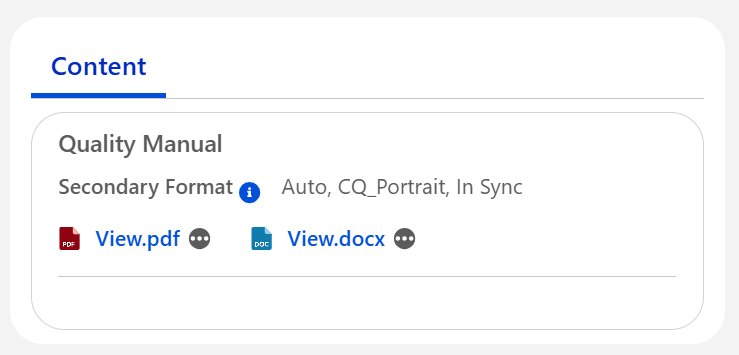
Expected Outcome
-
The document is displayed read-only in the File Viewer.
Additional Resources
ComplianceQuest
-
Accessing Documents as Viewers
We Value Your Feedback
To provide feedback or suggestions to improve the help content on this page click here.