
Overview
The Design File Closure Stage involves confirming that all design work, reviews, and approvals are fully completed, validating that all supporting documents and metadata are accurate, and then locking the file to prevent further changes. The finalized design file is archived in the controlled repository for long‑term retention, and relevant teams are informed that the design file is officially closed.
Prerequisites
Available in: CQ Design
Installed Package(s): CQ Core, CQ Design Extension & CQ Process Extension - Winter 2025
Optional Extension Packages: myCQ & CQ PLM- Winter 2025
User Profile: Standard User
Permissions: CQ Base User PSG, CQ Design Owner PSG, and CQ Design Team Member PSG
Instructions
-
From the Design File record, select the Edit option from the Action Menu to enable field editing.
-
Select the Closed option from the Stage field drop-down arrow menu.
-
Click the Save button.
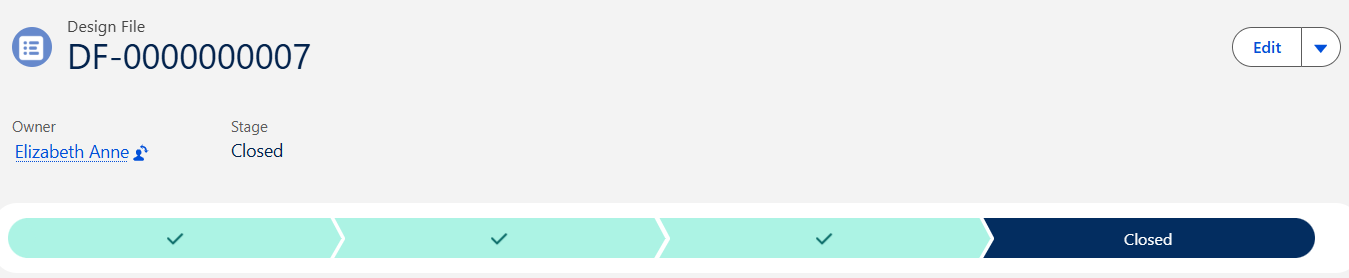
Results
-
The Design File record moves to the Closed Stage.