
Overview
Document Owners can track internal and external distribution of approved and released Controlled Documents within CQ. Tracking distribution ensures that the right stakeholders both inside and outside the organization, receive the correct version of the document, supporting compliance, transparency, and effective communication.
By using CQ’s distribution tracking features, Document Owners can monitor who received the document, when it was distributed, and maintain a complete audit trail for regulatory and quality requirements.
Prerequisites
Available in: Controlled Documents, Template Documents, and Courses
Installed Package: CQ Core - Winter 2025
User Profile: Standard User
Permissions: CQ Base User PSG and CQ Document Owner PSG
Document Status: Pre-release or Current
Instructions
-
From the Controlled Documents tab, locate and select the Pre-release or Current Document.
-
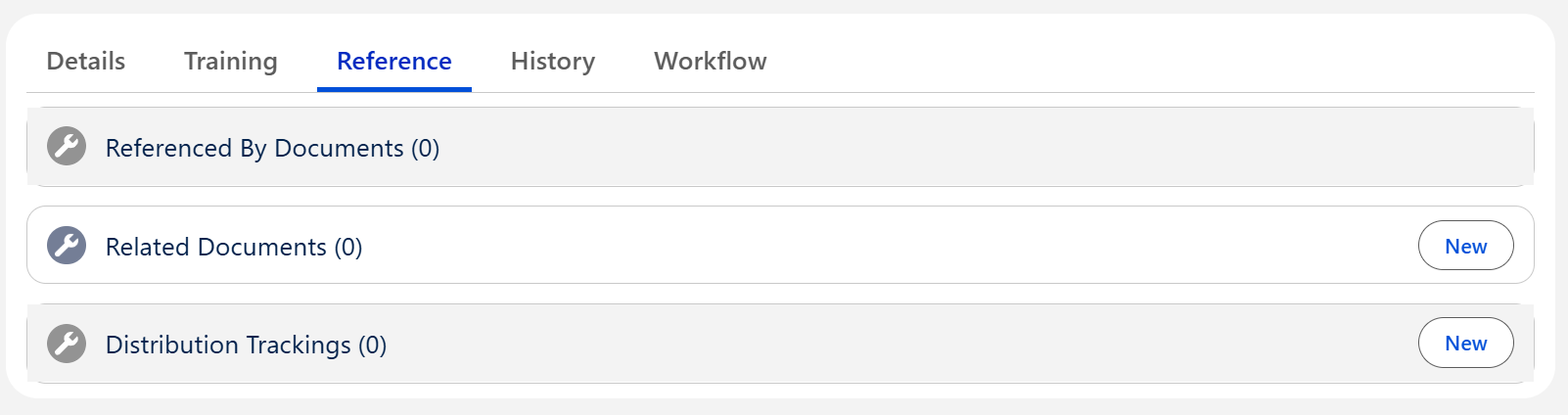
From the Controlled Document record, click the Reference tab.
-
Click the New button under the Distribution Trackings section.
-
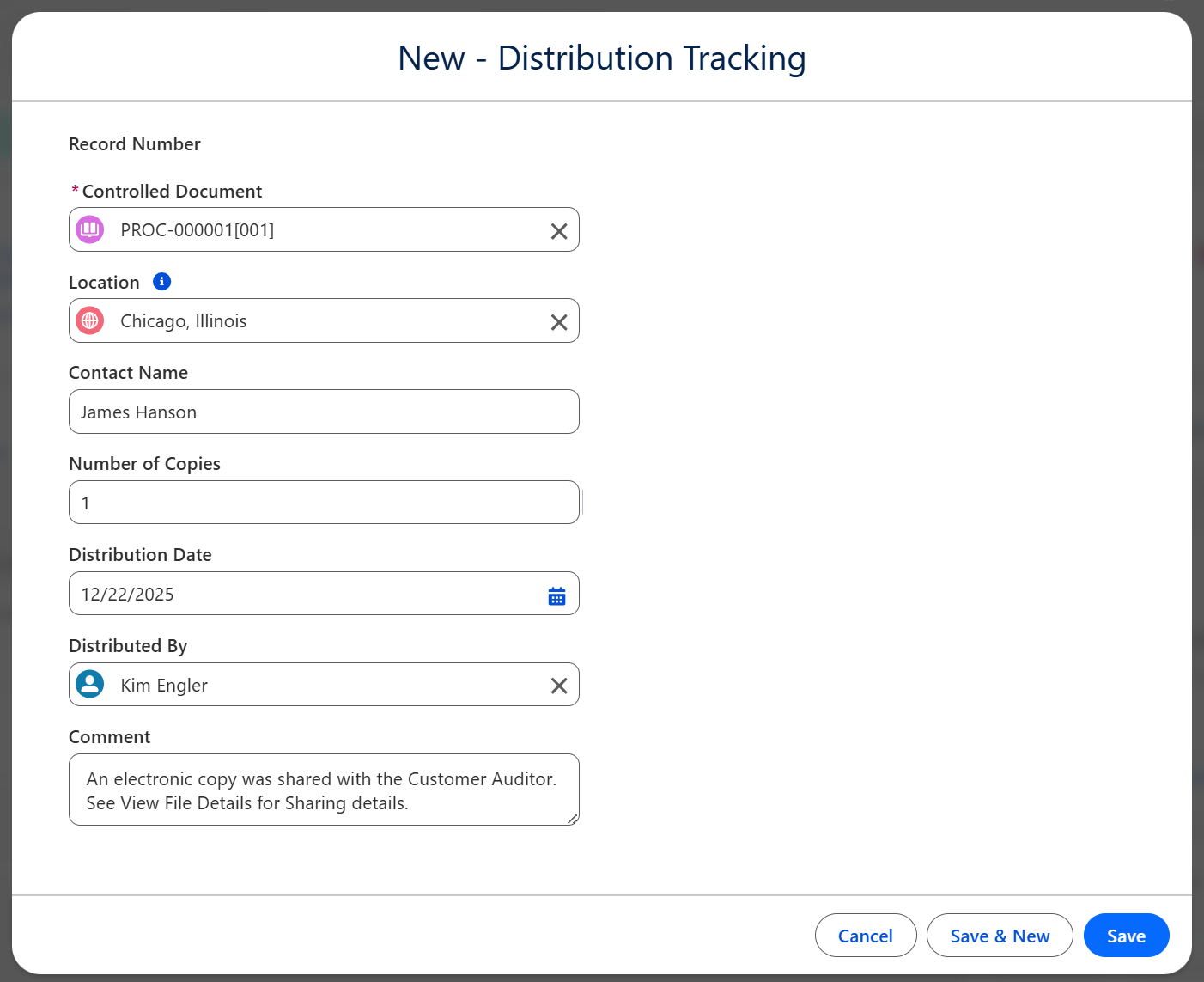
Enter appropriate information needed for the distribution tracking.
-
Click the Save button.
Results
-
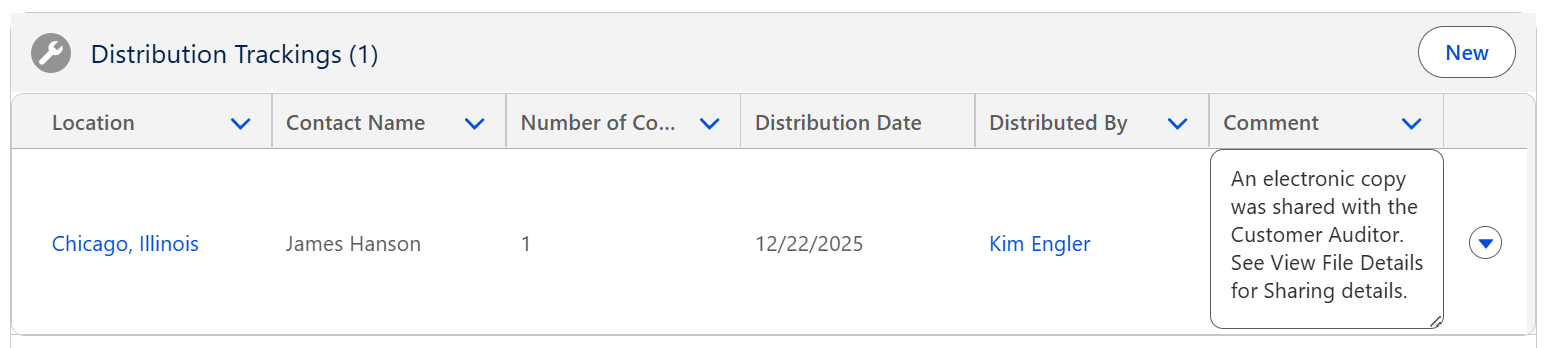
The Distribution details are displayed under the Distribution Trackings section of the Controlled Document that has been distributed.
-
See Sharing Controlled Documents for Read Access for more information on sharing electronic files for Viewing.
-
See Downloading Files as Document Owner for more information on downloading Document file Content.
Troubleshooting
-
Check back for new articles
Additional Resources
CQ Resources
-
Sharing Controlled Documents for Read Access
-
Downloading Files as Document Owner
Summer 2026