
Overview
Downloading CQ Record Detail Reports provides users with a convenient way to capture and store comprehensive information about individual records for offline review or sharing. These reports include all key data fields and related details, ensuring accuracy and completeness for audits, compliance checks, and internal documentation.
By leveraging this feature, users can maintain transparency, support reporting requirements, and streamline record review processes outside the CQ system.
Prerequisites
Available in: Audit Programs, CAPAs, Change Requests, Change Orders, Complaints, Nonconformances off-the-shelf. Also available for configuration of any CQ Record.
Installed Package: All - Winter 2025
User Profile: Standard User
Permissions: CQ Base User PSG and CQ Record Owner PSG
Formatted Printouts: See Formatted Printouts to verify configurations
Instructions
-
From the CQ record, select Download from the Action menu.

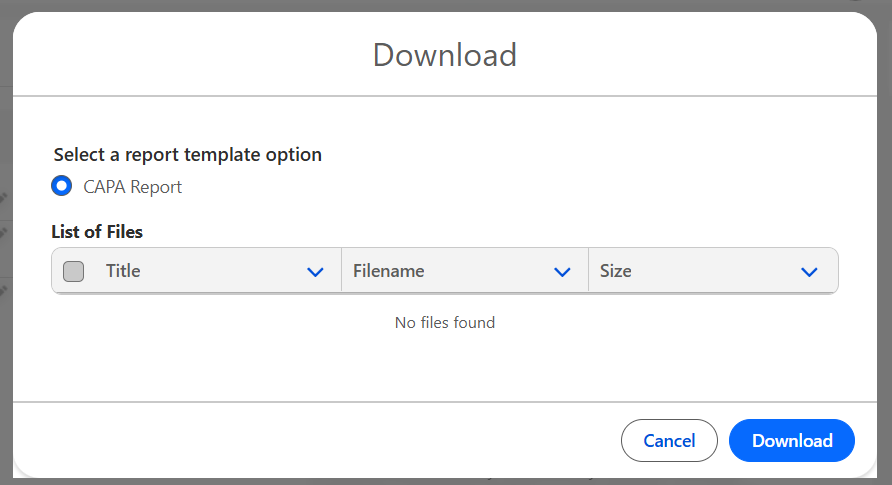
In some instances, the user may see a prompt to select a report template option. See your CQ Administrator for help with configuring Report Templates.
Example Report Templates for CAPAs
-
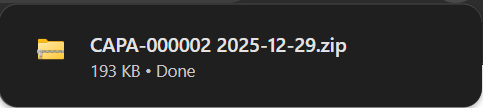
Click the Download button. The CQ Detail Report is downloaded into a Zip file.
-
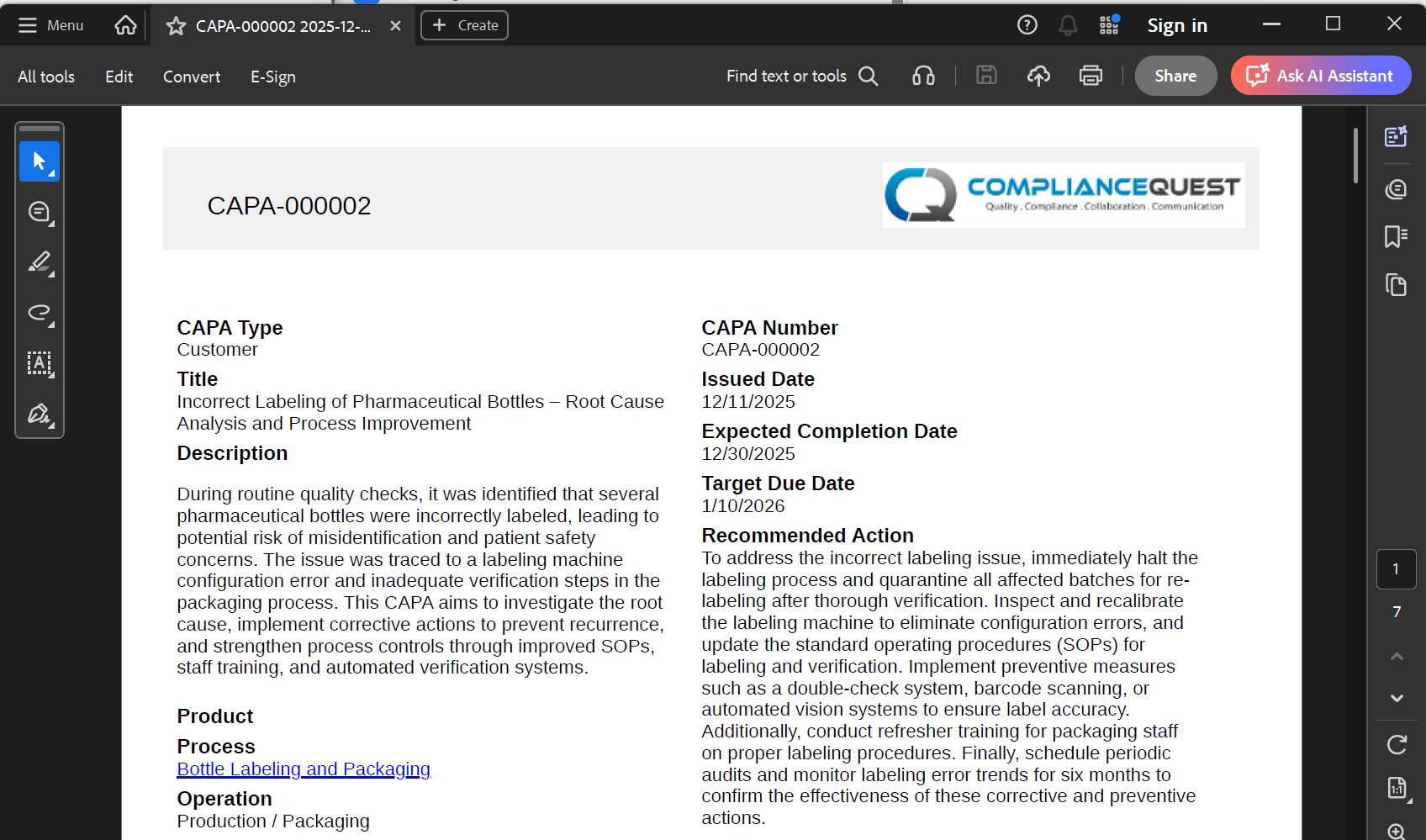
Open the downloaded files from the zipped file.
Example CAPA Report
Results:
-
The files have been downloaded from CQ.
Troubleshooting
-
Check back for new articles
Additional Resources
CQ Resources
-
Printing Detail Reports
Summer 2026