
Purpose
As a CQ Administrator or QMI Manager, you can create a new Rating Model to define scoring criteria for evaluating the Quality Management Index (QMI) by location.
Prerequisites
Installed Package(s): CQ Core, CQ Management Review Dashboard Extension, CQ Rating Framework Extension
Product: Platform & Technology
Function: CQ QMI
User Profile: Standard User
Permissions: CQ Base User PSG, CQ QMI Manager PSG
Steps
-
From the App Launcher, search for CQ QMI and open the app.
-
On the Rating Models tab, select + New Rating Model from the drop‑down list or click New.
-
Enter the Model Name (required).
-
Enter a Description (optional).
-
Select Active if the model will be used for Rating Scorecards.
-
Click Save, or select Save & New to create another model.
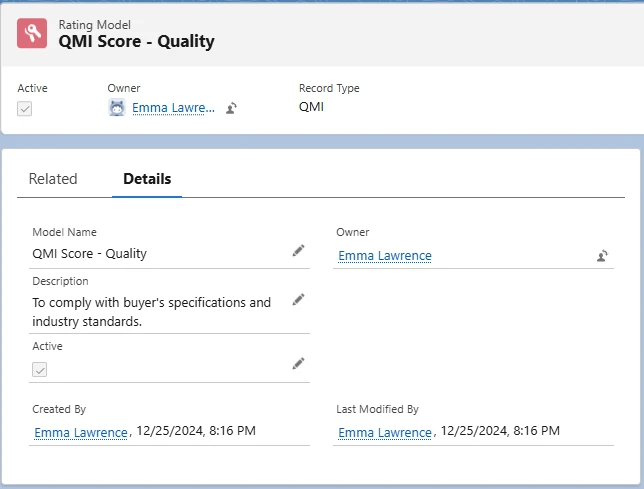
Example:
Expected Outcome
-
A new QMI Rating Model record is created.
-
The Owner is set to the user who created the model.
-
The user can add and manage Rating Metrics for QMI evaluation.
Additional Resources
ComplianceQuest
We Value Your Feedback
To provide feedback or suggestions to improve the help content on this page click here.