
Overview
CQ’s Formatted Printout feature enables end-users to generate professional, well-structured outputs of CQ records. Unlike Salesforce’s standard Printable View, this feature offers enhanced flexibility and control, allowing organizations to apply branding, organize content for clarity, and configure layouts to meet specific reporting needs.
With Formatted Printout, users can produce visually appealing, detailed reports that improve readability and support compliance, making it an ideal solution for presenting record information in a clear and consistent format.
Prerequisites
Available in: Audit Programs, CAPAs, Change Requests, Change Orders, Complaints, Nonconformances off-the-shelf. Also available for configuration of any CQ Record.
Installed Package: All - Winter 2025
User Profile: Standard User
Permissions: CQ Base User PSG and CQ Record Owner PSG
Formatted Printouts: See Formatted Printouts to verify configurations
Instructions
-
From the CQ record, select Print from the Action menu.

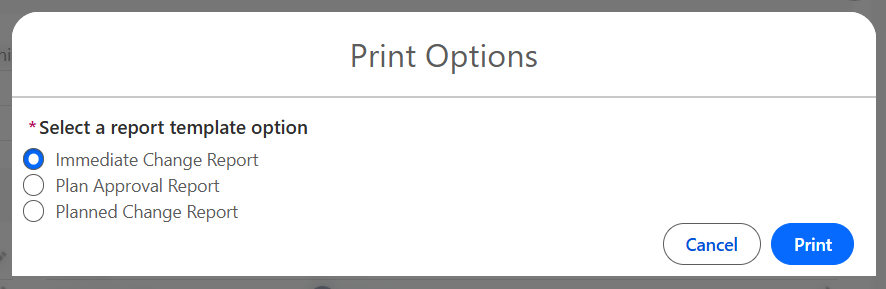
In some instances, the user may see a prompt to select a report template option. See your CQ Administrator for help with configuring Report Templates.
Example Report Templates for Change Order
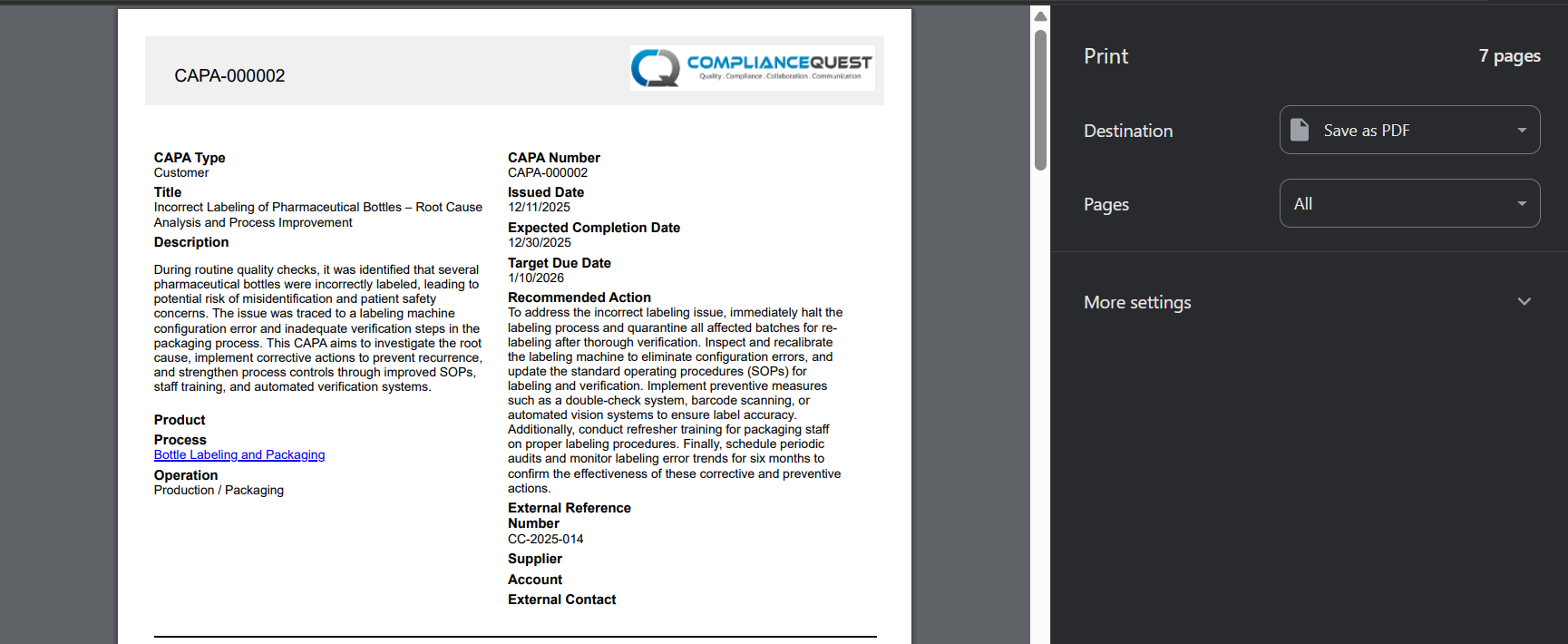
Example CAPA Report
-
Print the Report as needed.
Results:
-
The CQ Detail Report is generated and opened in the new tab as a PDF.
Troubleshooting
-
Check back for new articles
Additional Resources
CQ Resources
-
Downloading Detail Reports
Summer 2026