
Purpose
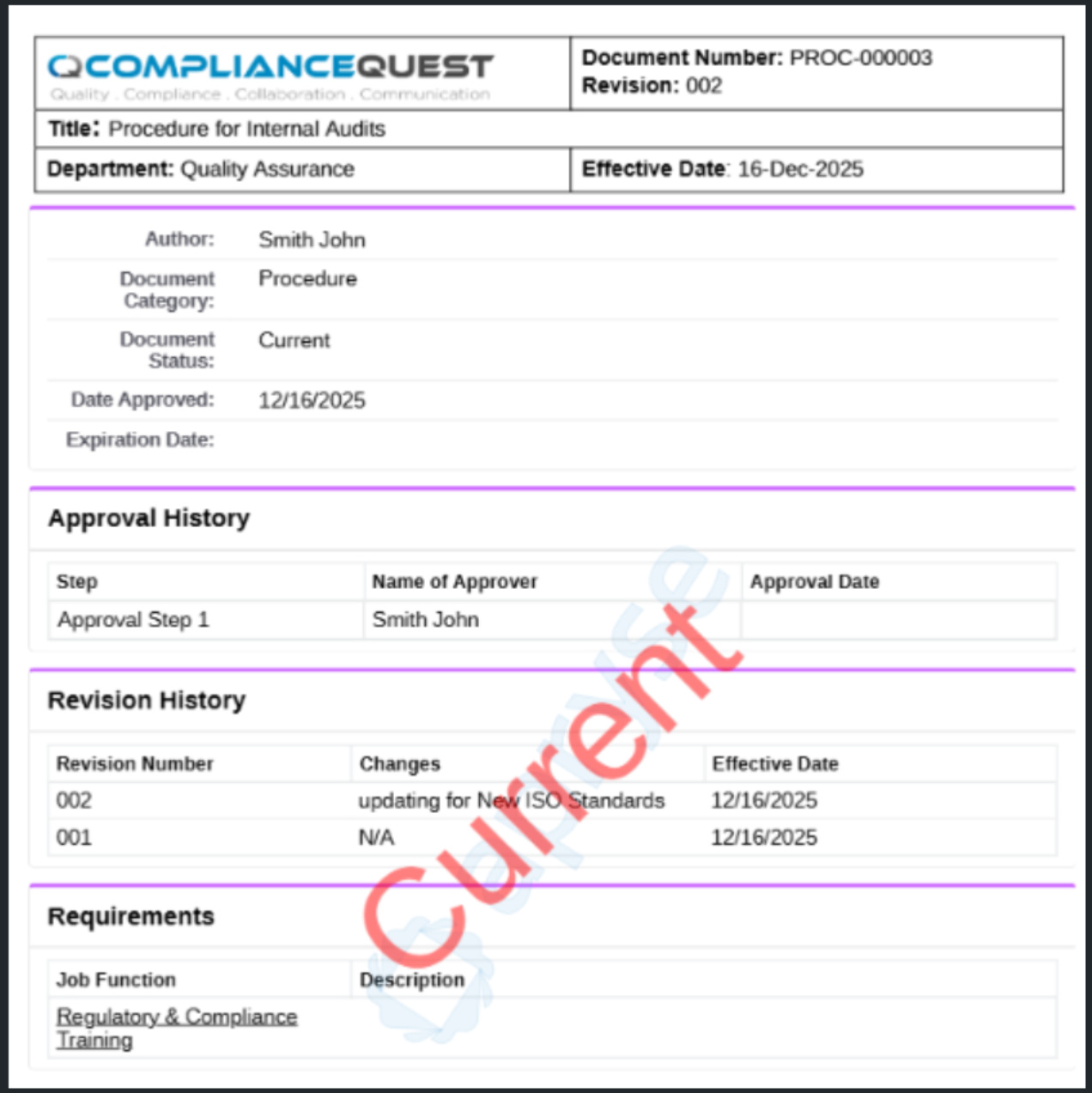
As a Document Owner, you can generate a Secondary Format PDF to create a formatted output based on the selected secondary format option. This action produces the PDF version that reviewers and approvers use during evaluation.
Prerequisites
Installation Package: CQ Core
Product: QualityQuest
Function: Controlled Documents, Template Documents, and Courses
User Profile: Standard User
Permissions: CQ Base User PSG and CQ Document Owner PSG
Record Status: Draft
Secondary Format: Auto
Steps
-
Open the Controlled Document record.
-
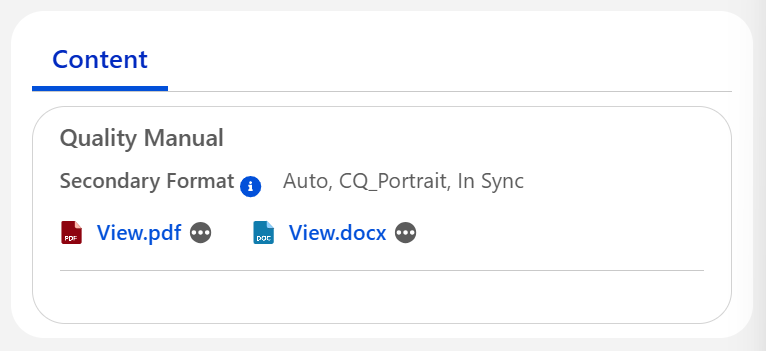
Click Generate Secondary Content under the Content section.
-
Click View.pdf once the Secondary Format Status specifies In Sync.
Note: The Secondary Content Status displays as Out of Sync until the Secondary Content is generated and In Sync again. The PDF can also be generated by Submitting the Document for Approval.
Example
Expected Outcome
-
The Secondary File is rendered to PDF.
Additional Resources
ComplianceQuest
We Value Your Feedback
To provide feedback or suggestions to improve the help content on this page click here.