
Purpose
As a Record Owner, you complete NC containment to confirm that all immediate actions to control the nonconformance are finished. You review the recorded containment details, verify accuracy, and update the status so the nonconformance can move to the next step in the workflow.
Prerequisites
Installation Package: CQ Core, myCQ Extension, CQ Supplier Central, CQ Supplier Performance, CQ Ratings Framework, CQ Embedded Analytics, and CQ AI Extension
Product: QualityQuest and Platform Apps
Function: CQ NC Containment Completion
User Profile: Standard User
For Permission Set Groups: CQ Base User PSG, CQ NC Owner PSG, CQ NC Task Assignee PSG
Steps
-
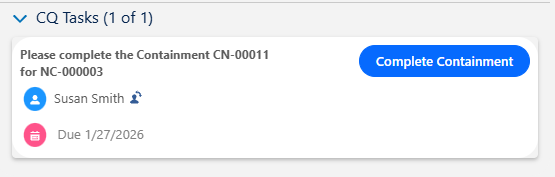
From the Home tab, click the View link for the Containment task under CQ Items.
-
From the Next Best Actions section, click the Complete button.
-
Enter or select a Completion Date and Containment Summary.
-
Enter Comment and Password if needed, and click the Save button.
Example:
Expected Outcome
-
The Containment displays a Complete Status.
-
All Containment tasks must be completed in order to close an NC.
Additional Resources
ComplianceQuest
We Value Your Feedback
To provide feedback or suggestions to improve the help content on this page click here.