
Overview
The Product Risk section in ComplianceQuest is designed to help organizations meet risk management requirements, such as those outlined in ISO 9001 and ISO 14971, by providing a comprehensive view of risks across products, processes, and business units. Its key components include the identification and evaluation of hazards, risk assessment, risk control measures, and monitoring the effectiveness of these controls. Product Risk records can be created directly from the Design File, ensuring seamless integration and traceability between product design and risk management. This integration allows users to link, manage, and publish Product Risk records alongside other design documentation, supporting collaboration, standardization, and compliance while improving visibility and control over product-related risks.
Prerequisites
Available in: CQ Design
Installed Package(s): CQ Core, CQ Design Extension & CQ Process Extension - Winter 2025
Optional Extension Packages: myCQ & CQ PLM- Winter 2025
User Profile: Standard User
Permissions: CQ Base User PSG, CQ Design Owner PSG, and CQ Design Team Member PSG
Instructions
Linking or Creating Product Risks
-
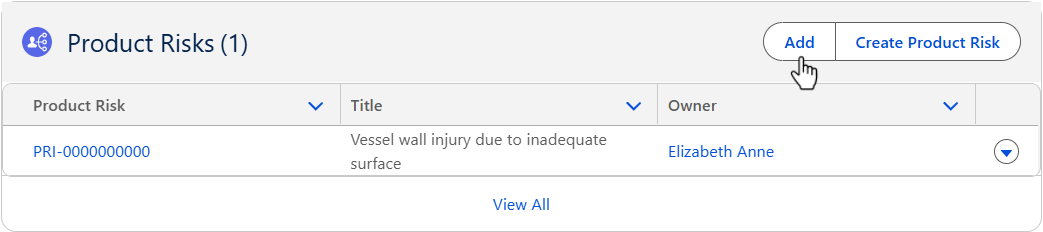
From the Design File record, Risk tab, Product Risks section, click the Add button.
-
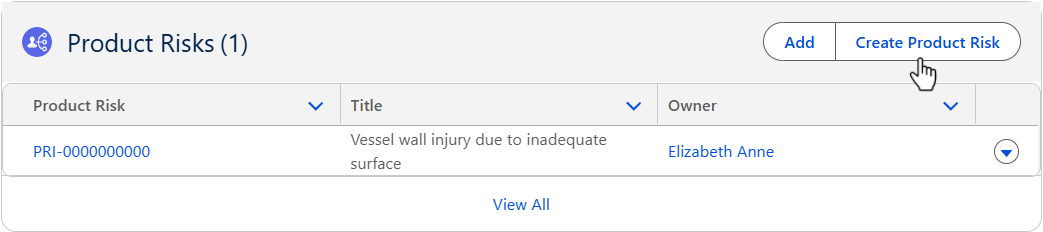
From the Design File record, Risk tab, Product Risks section, click the Create Product Risk button. (If no Product Risks existed in the system.
-
See the Adding or Creating Product Risks specific to the Product Risks to be Added or Created.
Results
-
The Product Risks record is added/created in the Design File record.
-
Edit and Delete options are available from the drop-down arrow at the end of each Product Risk row.
-
Click View All to see all Product Risks.
Troubleshooting
-
Check back for new articles